
Terraform Cheatsheet: AWS S3 Best Practices

Welcome back to another technical deep dive by @BitSeByte. In Part 4 of our Terraform series, we are looking at the most fundamental building block of the cloud: Amazon S3.
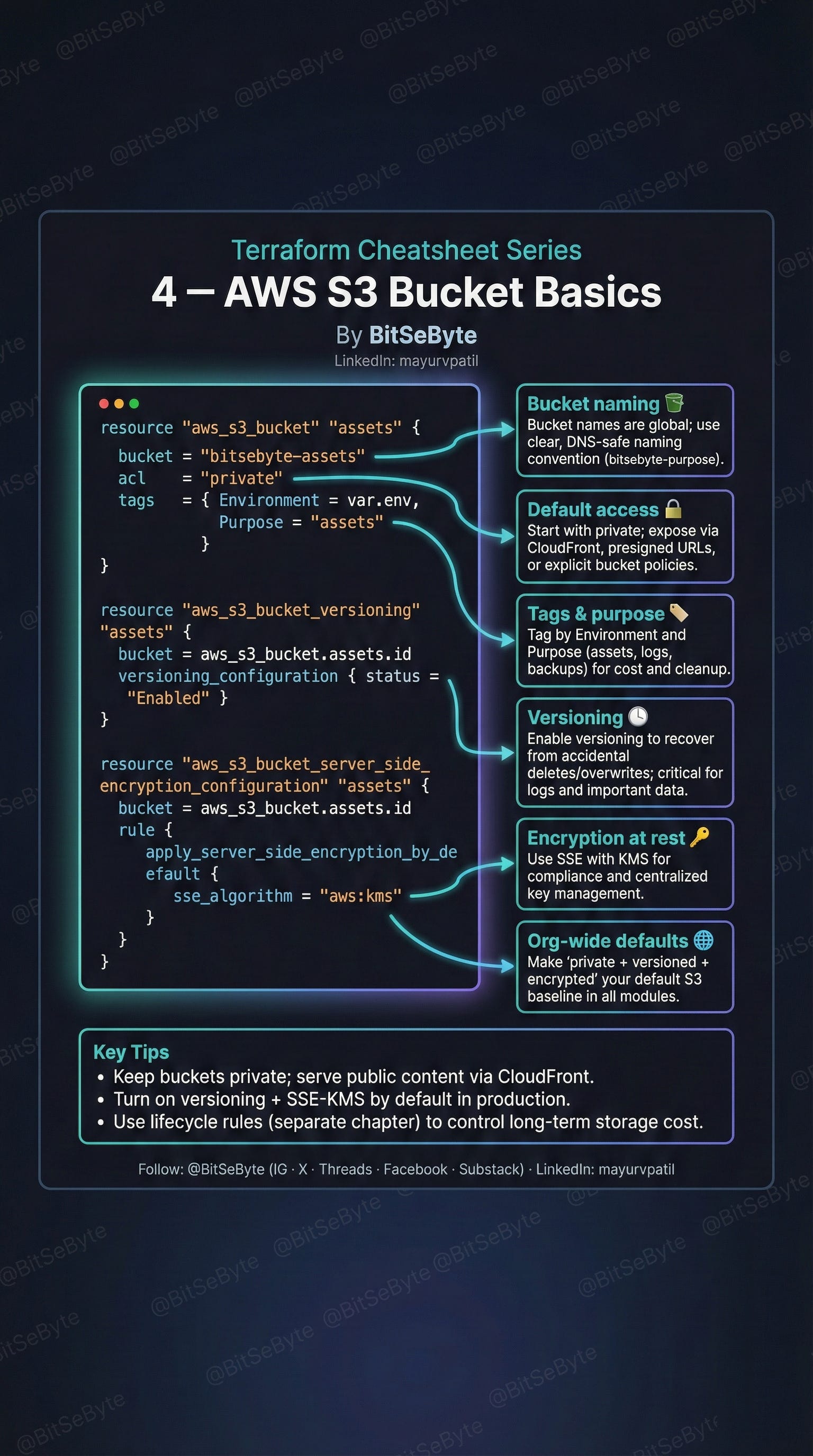
THE SECURE BASELINE
Because S3 is so easy to use, it is also easy to misconfigure. A production-grade S3 module should always include these three separate resources:
1. The Bucket Resource (`aws_s3_bucket`)
- Naming: Remember that S3 bucket names share a single global namespace. You must use a unique, DNS-safe convention (e.g., `org-env-app-assets`).
- Access Control: Explicitly set `acl = "private"`. Never rely on the default settings when security is involved.
2. Versioning (`aws_s3_bucket_versioning`)
This is your insurance policy. By setting versioning to "Enabled", you ensure that every overwrite or deletion creates a new version of the object. This is critical for disaster recovery, especially for buckets storing logs or terraform state files.
3. Encryption (`aws_s3_bucket_server_side_encryption_configuration`)
Data at rest should always be encrypted.
- Best Practice: Use `sse_algorithm = "aws:kms"`. This not only encrypts the data but also integrates with AWS KMS for centralized key management and audit trails.
THE ACCESS PATTERN
A common anti-pattern is setting a bucket to "public" to serve assets to a website.
- The Fix: Keep the bucket private and use a CloudFront distribution to serve the content. CloudFront can access the private bucket via an Origin Access Identity (OAI), keeping your origin secure while giving users low-latency access.
Keep this guide handy for your next infrastructure project!
Best,
The @BitSeByte Team